This needs the Pro or Custom plan. See plans and billing
Removing a domain disconnects it from your site. Your site stays on your Tourfect address, and on any other domains you’ve connected. You can remove a domain on any plan.
Remove a domain
- In your dashboard, click Domains.
- Click Remove next to the domain.
- Click OK to confirm.
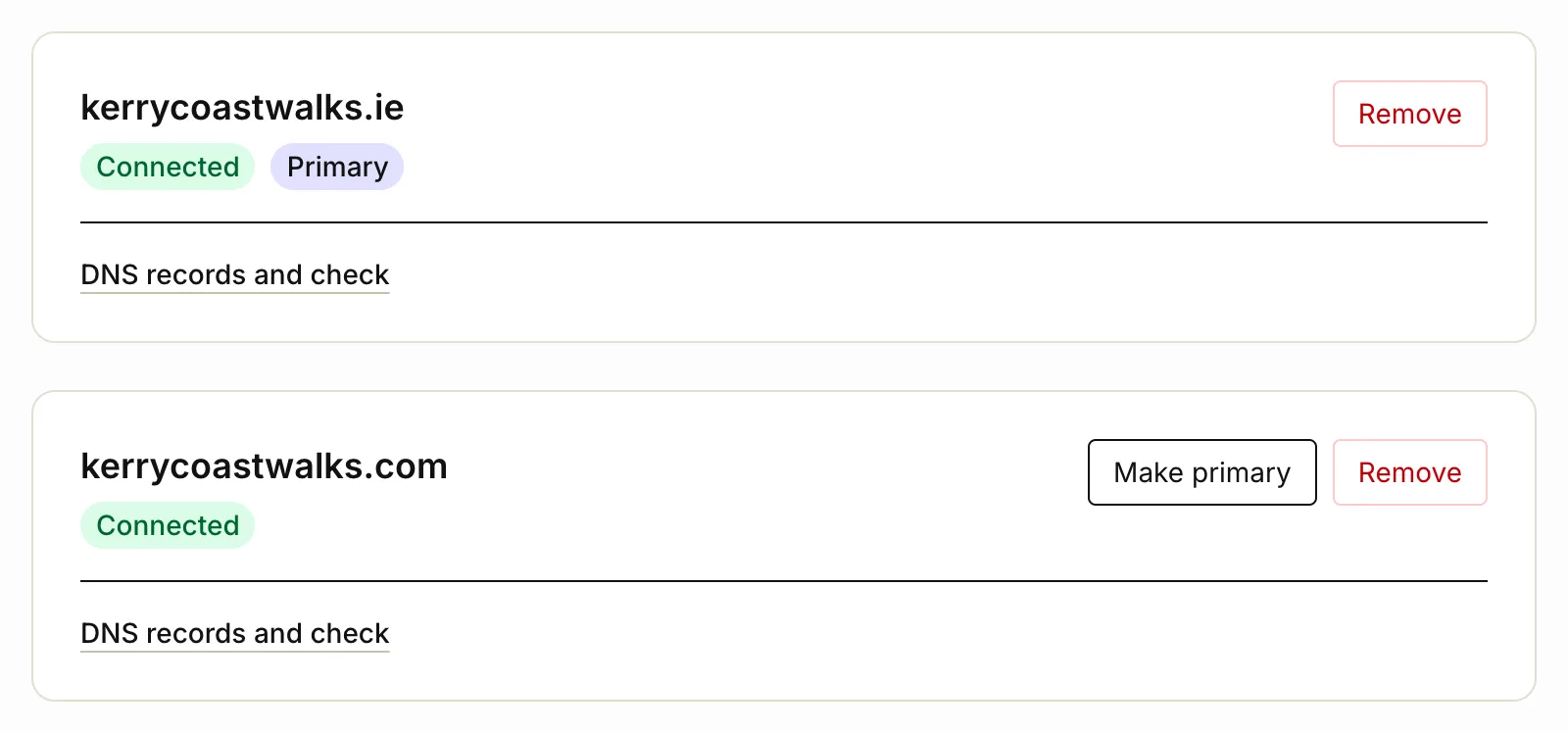
We show that the domain has been removed.
What happens next
- Visitors to the removed domain no longer see your site.
- If it was your primary domain, your next connected domain becomes primary. If you have none left, your site shows on your Tourfect address again.
- Old links to the removed domain, like in emails you’ve sent, stop working. Only remove a domain you no longer use.
Tidy up at your domain provider
Removing a domain here doesn’t change its DNS records, so it still points to Tourfect, with no site on it. Log in where you bought the domain, and change or delete the A, CNAME and TXT records you added for Tourfect, for example to point it at a new website.
To connect the domain again later, add it on Domains as before. It gets a new TXT code, so update that record too. See Connect your own domain.
Email from your domain
If you also send email from this domain, removing it here doesn’t stop that. To stop it, click Remove under Send email from your domain, on the same page.
Related articles
Still stuck? Contact us
Tell us what you're trying to do and where it went wrong. We reply by email within a working day.
Contact us