Every request has a reference
Each request and booking gets a short reference, like TF-7K3P. It’s in every email about it, on the request and booking pages, in your calendar and in your data download. A booking keeps the reference of the request it came from.
Find a request
In Requests, type a reference, a name or an email address in the search box and click Search. You can type the reference with or without “TF-“, in capitals or not. The search looks through every request, whatever its status.
The buttons above the list show:
- Open: new requests, and ones you’ve replied to but not answered yet
- Replied: ones you’ve sent a reply to
- Accepted and Declined
- Closed: ones you closed, and ones that expired because the date passed without an answer
- All

Reply without accepting or declining
To ask a question or share details first:
- Open the request.
- Under Reply to followed by their name, write your reply.
- Click Send reply.
We email it to the traveller from Tourfect, in your business’s name. The request is marked Replied and stays open. When the traveller writes back, it goes back to New.
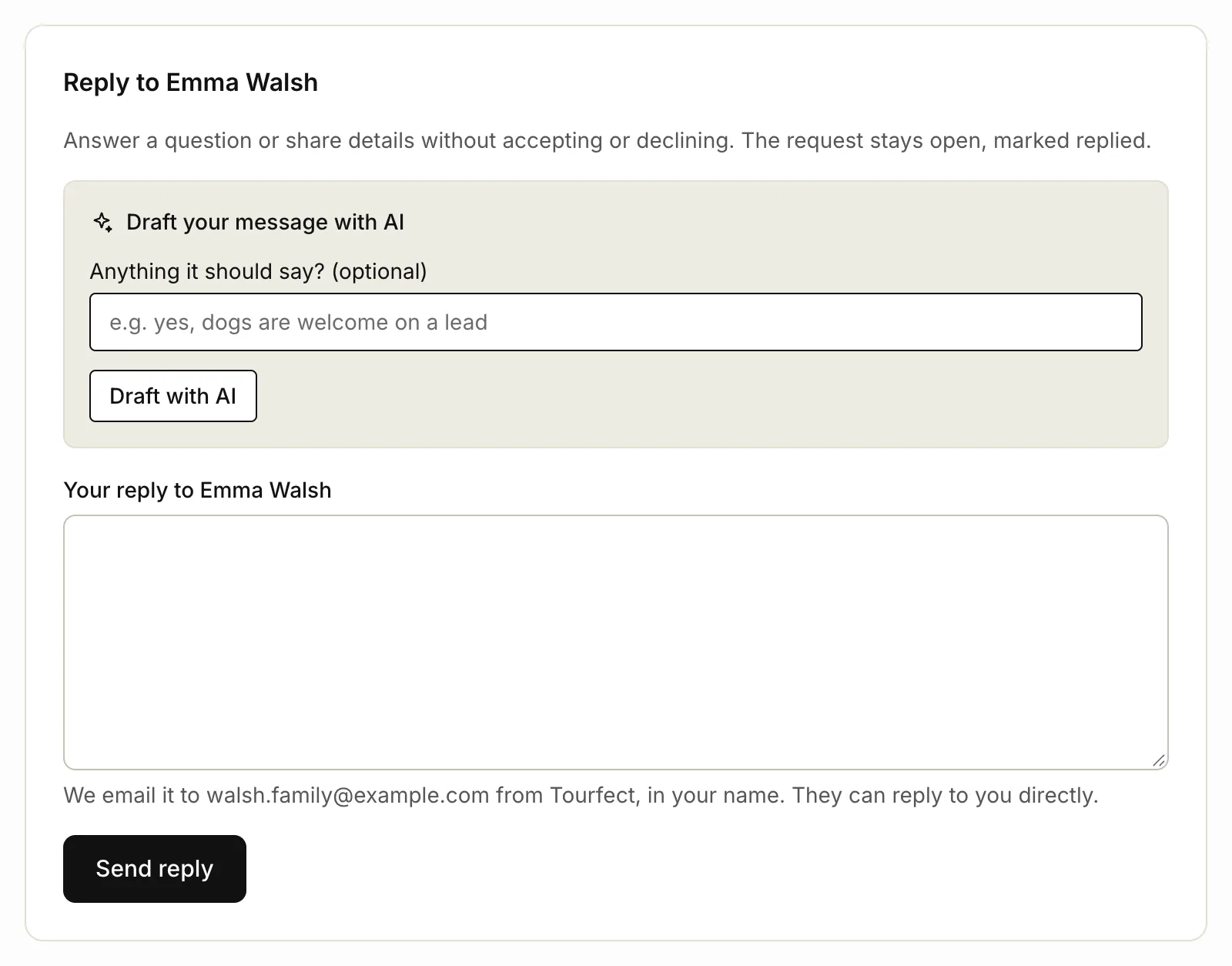
On Pro, Draft with AI writes a reply from the conversation for you to check and change. See Writing with AI.
Close and reopen a request
If you’ve sorted a request out another way, open it and click Close request. It leaves your open list. We don’t email anyone. To bring it back, open it from Closed and click Reopen request.

Declined travellers become customers
When you decline a request, the traveller is added to Customers with the tag “declined”, or the tag is added if they’re already there. It helps when they ask again.
Related articles
Still stuck? Contact us
Tell us what you're trying to do and where it went wrong. We reply by email within a working day.
Contact us