“Why choose us” is a short, numbered list on your home page: up to four reasons travellers should book with you, like small groups, a local guide or tours made for each group. Every theme shows it. If you leave it empty, the section doesn’t appear.
Add your reasons
- In your dashboard, click Site content.
- Click Why choose us.
- Under Point 1, type a Title, for example “Small groups, never more than 12”.
- Optional: add a line or two of Text under it.
- Fill in Point 2, Point 3 and Point 4 the same way, if you like.
- Click Save.
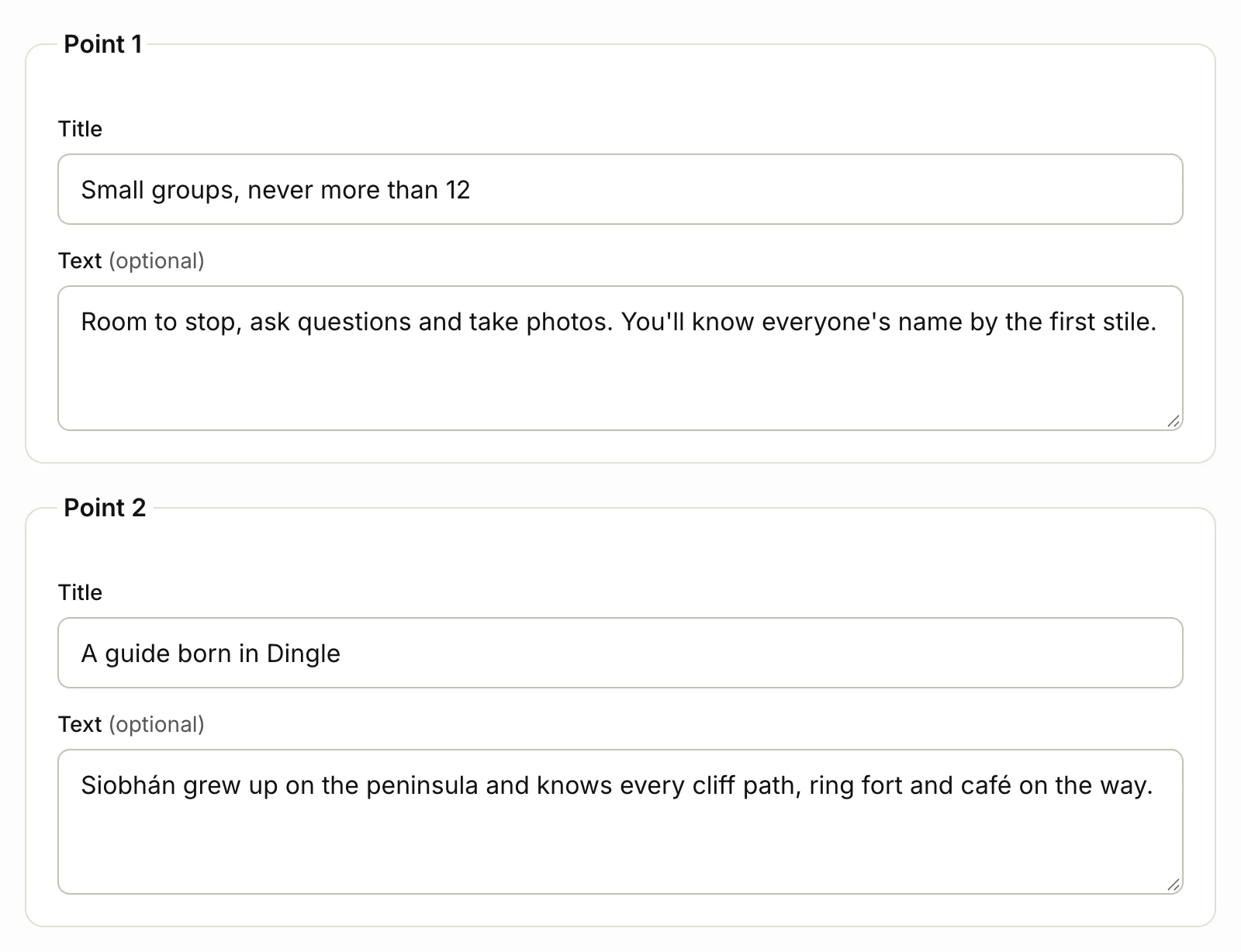
You can fill in one, two, three or four points. Every point needs a title, so a point with text and no title can’t be saved. Empty points are skipped, and the numbers on your site follow the order on the page.
To take a point off, clear its title and text, then click Save.
How it looks on your site
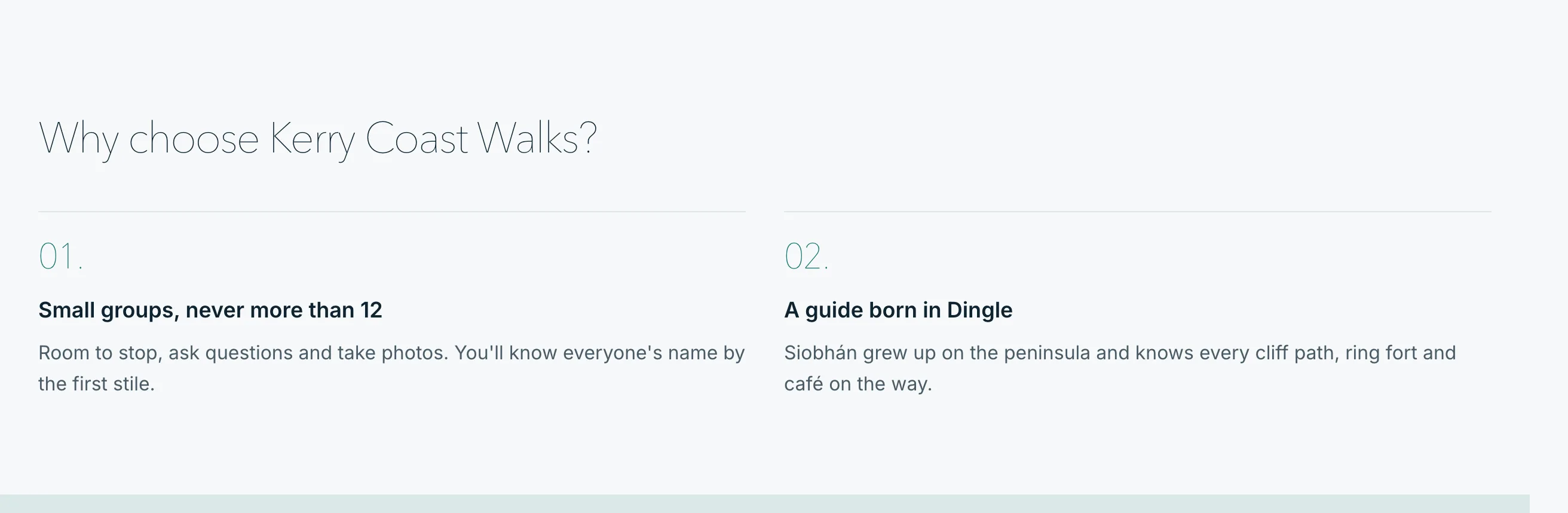
The section is called “Why choose” followed by your business name, like “Why choose Kerry Coast Walks?”. Each point shows its number, its title and its text.
Rename, move or hide it
On Pro and Custom, you can rename the section, move it up or down your home page, or hide it. Click Site content, then Home page sections. On Starter, your theme decides where it shows.
If your home page doesn’t show the section at the moment, the Why choose us page says so at the top.
Show it on another page
You can also show your points on a page of your own:
- Click Site content, then Pages.
- Click Edit next to the page.
- Under Add a section, choose Why choose us.
- Click Add.
Related articles
Still stuck? Contact us
Tell us what you're trying to do and where it went wrong. We reply by email within a working day.
Contact us